Choosing educational toys for children involves more than finding something entertaining. Parents often want products that introduce reading, mathematics, creativity and problem-solving through interactive activities. LeapFrog is a children’s educational technology brand that offers learning toys, interactive reading systems, tablets and digital activities designed to support different stages of childhood development.
The official Australian website provides access to product information, learning systems, software downloads, instruction manuals and customer assistance. Whether you have recently purchased a LeapPad tablet, want to connect a LeapStart player to your computer or need help finding compatible learning content, the Australian website is a useful starting point.
Fore More Information:
Visit Homepage
Getting Started with the LeapFrog Australia Website
The Australian Leap Frog website acts as a central online destination for exploring the brand’s educational products and accessing technical assistance. Its support section is particularly useful because different devices can require different software, manuals and troubleshooting instructions.
Before connecting a device or downloading an application, identify its exact product name and model. A LeapStart reading system, for example, does not necessarily follow the same setup process as a LeapPad learning tablet.
What Can You Do Through the Website?
The website provides several useful resources for parents and device owners.
| Website feature | What it helps you do |
|---|---|
| Product information | Explore learning toys and electronic devices |
| Product support | Find assistance for a particular model |
| Software downloads | Access Leap Frog Connect |
| Parent guides | Read product setup instructions |
| App Centre | Explore compatible digital learning content |
| Customer service | Contact the Australian support team |
One useful point is that Leap Frog does not use one universal setup process for every product. Always follow the instructions associated with your particular device.
Setting Up a LeapFrog Parent Account
A parent account is used by supported Leap Frog products and services to manage device-related information, child profiles and digital content. The registration process can differ depending on the product and software version.
For devices that use Leap Frog Connect, the official setup process directs parents to install the relevant software and create or access their parent account through the application.
How to Register Through LeapFrog Connect
Follow these general steps when setting up a supported device:
- Visit the official website: Open the Leap Frog Australia website.
- Identify your product: Find your device under the product support section.
- Download the required software: Visit the Leap Frog Connect download page.
- Install the application: Follow the installation instructions displayed on your computer.
- Open Leap Frog Connect: Launch the application after installation.
- Create or access your parent account: Follow the registration or sign-in instructions displayed by the software.
- Complete device setup: Follow the prompts to associate your supported learning device with your account.
You may need to provide an email address and other account information during registration. The exact fields and verification requirements depend on the registration process presented by Leap Frog.
Important: Do not assume that every Leap Frog product requires a separate online account. Check the instructions for your particular model before starting registration.
Downloading and Installing LeapFrog Connect
LeapFrog Connect is desktop software that helps parents manage compatible educational devices. Depending on the product, it can be used to install companion audio, download learning content, manage applications, update devices and personalise certain toys.
For example, LeapStart owners can use the software to download companion audio for activity books, while supported LeapPad devices use it to manage applications and device content.
Where Can You Download LeapFrog Connect?
The safest place to obtain the software is the official Leap Frog Connect download page.
The website lists different supported product categories, including:
- LeapStart learning systems
- LeapPad learning tablets
- My Pals Scout and Violet
- RockIt Twist
- Magic Adventures Globe
- LeapStory
- LeapReader
- On-the-Go Story Pal
Installation Process
- Open the official Leap Frog Connect download page on a desktop or laptop computer.
- Locate the section matching your learning device.
- Select the appropriate download option.
- Download the installation file provided by Leap Frog.
- Open the downloaded file and follow the installation prompts.
- Launch the application once installation finishes.
- Connect your compatible device when instructed.
Leap Frog Connect is not designed to be installed through a mobile phone browser. The official website specifically directs users to a desktop computer for installation.
Why Should You Use the Official Download Page?
Downloading software from the manufacturer’s website helps you obtain the version intended for your product. It also reduces the risk of installing unrelated or modified applications from unofficial websites.
Before downloading, check that the software supports your computer’s operating system and your particular Leap Frog model. Compatibility requirements can vary between products and software releases.
Connecting a LeapFrog Device to Your Computer
Once Leap Frog Connect is installed, the next task is to connect your child’s learning device. This allows compatible products to communicate with the computer and receive their supported content or software updates.
The connection method depends on the product. Many Leap Frog learning systems use a USB cable, while certain tablets also provide wireless connectivity for supported features.
Step 1: Prepare the device
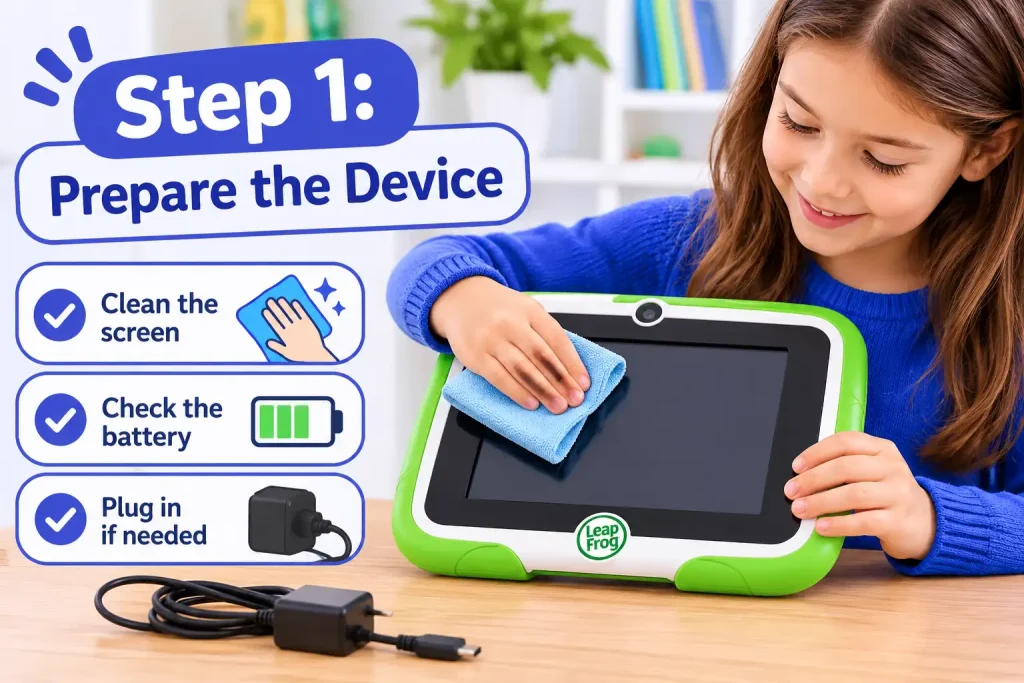
Check that the learning toy or tablet has sufficient battery power. Charge rechargeable products or insert the recommended batteries where required.
Step 2: Connect the USB cable
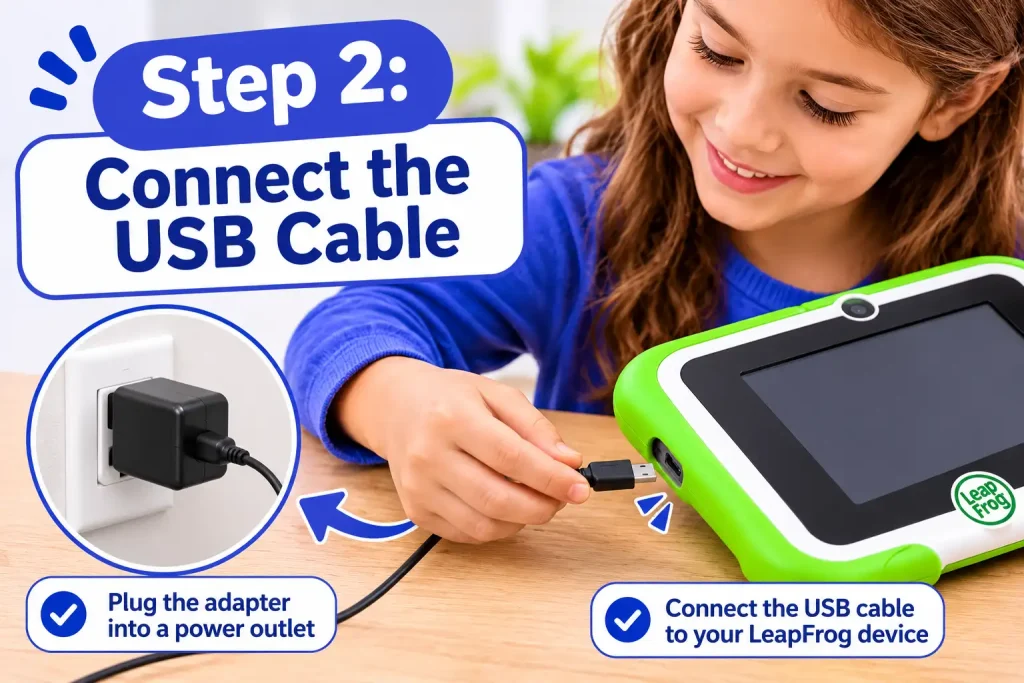
Use the compatible USB cable supplied with your device. Connect one end to the product and the other to an available USB port on your computer.
Step 3: Launch LeapFrog Connect
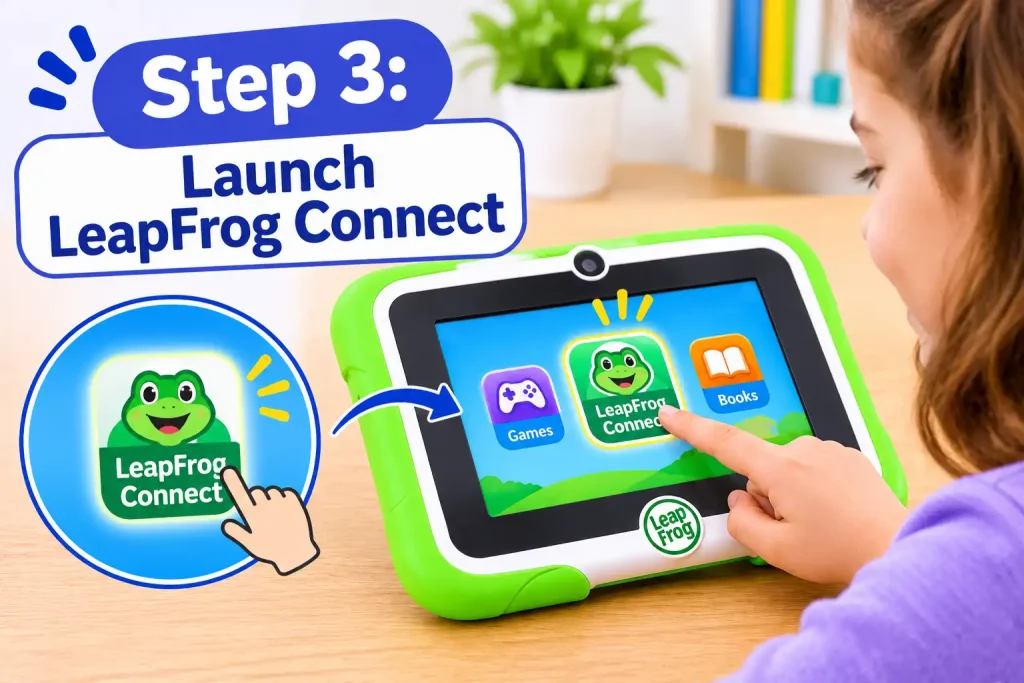
Open the installed application. Allow the software time to recognise the connected product.
Step 4: Complete the registration process
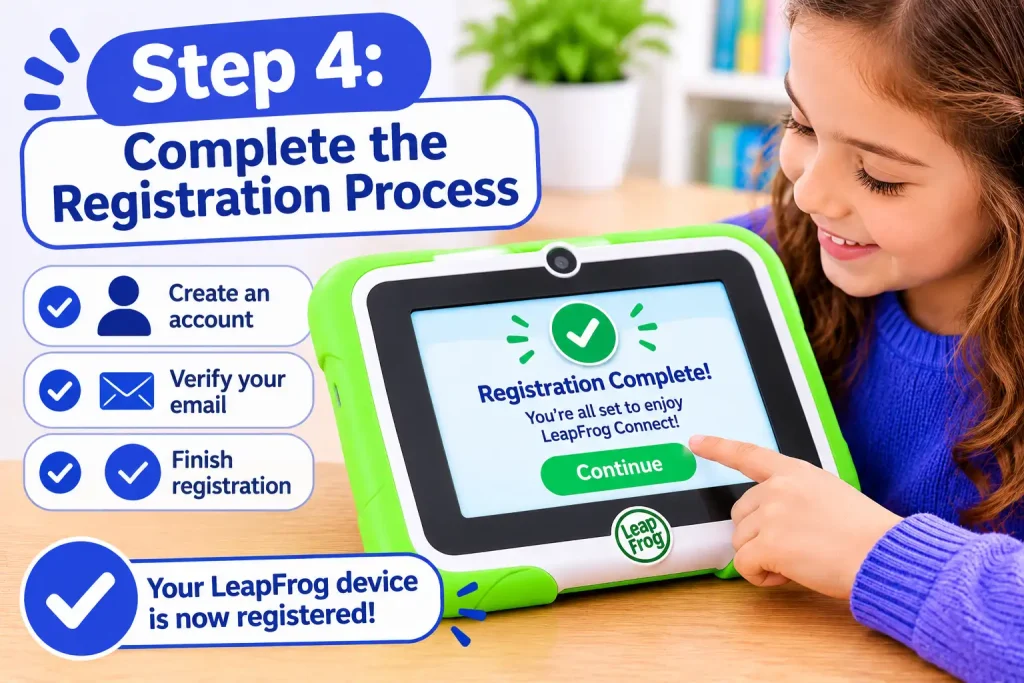
If the device requires registration, follow the instructions displayed by LeapFrog Connect. You may be asked to sign in, create a parent account or associate the product with an existing profile.
Step 5: Manage available content
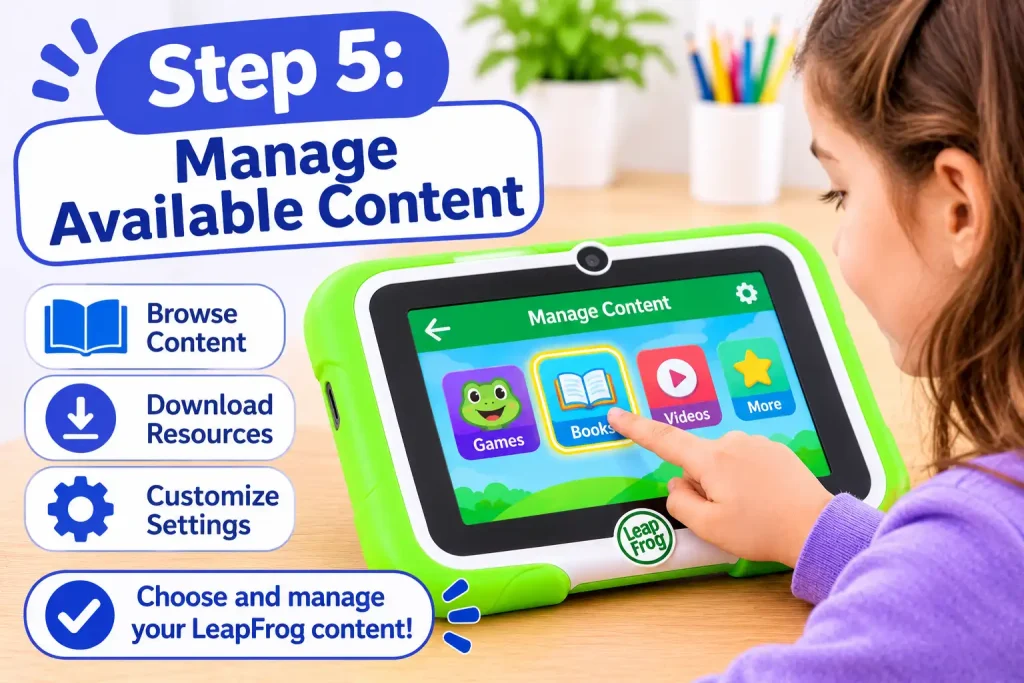
Depending on the product, the application may display options for downloading audio, managing applications, updating software or personalising the device.
Step 6: Finish the synchronisation
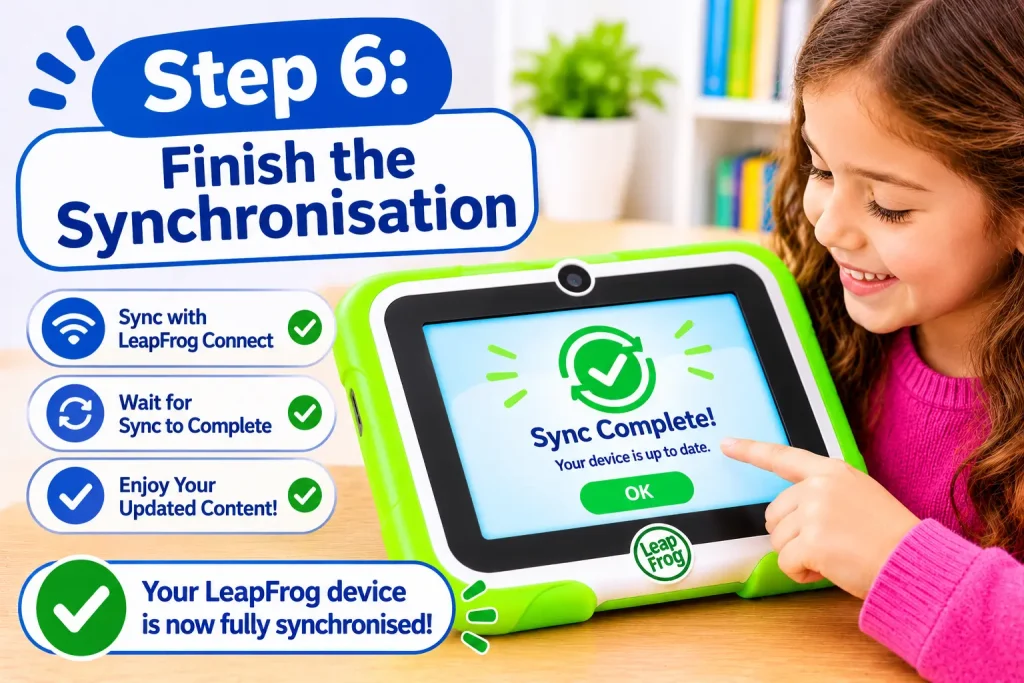
Wait until the software confirms that the transfer or update has finished. Follow the application’s instructions before disconnecting the USB cable.
Exploring the LeapFrog Product Range
One reason families explore Leap Frog is the variety of educational products available. Its range includes interactive reading systems, electronic learning tablets, activity-based toys and products designed for younger children.
Each category serves a different purpose, so understanding the available features can help parents choose suitable learning equipment.
1. LeapStart Interactive Learning Systems
LeapStart is designed to make books and educational activities more interactive. Children use a special stylus to touch pictures, words and other areas of compatible activity books.
<small>Suggested visual: LeapStart interactive learning system with its stylus and activity book.</small>
Main features include:
- Interactive touch-and-talk learning.
- Activity books covering different educational topics.
- Audio responses, songs and games.
- Activities involving early reading and mathematics.
- Companion audio downloads through Leap Frog Connect.
How does it work?
A child opens a compatible LeapStart activity book and touches different areas using the interactive stylus. The device responds with audio, instructions or activities, depending on the selected page.
Parents can visit the LeapStart Australian support page to access software downloads, parent guides and frequently asked questions.
Fore More Information:
Visit Homepage
2. LeapPad Learning Tablets
LeapPad products provide a tablet-style learning experience for children. Depending on the model, these devices support educational applications, interactive activities, digital games and parent-managed settings.
<small>Suggested visual: LeapPad Academy tablet displaying an educational activity.</small>
Common product features include:
- Touchscreen interaction.
- Compatible educational applications.
- Reading and mathematics activities.
- Digital learning games.
- Parent settings on supported models.
- Application management through compatible software.
The LeapPad Academy and other LeapPad models can have different features and software requirements. Parents should check the relevant instruction manual rather than assuming that every tablet supports the same applications.
Visit the LeapPad support section for product information and troubleshooting assistance.
3. My Pals Scout and Violet
Scout and Violet are interactive plush toys designed to introduce young children to personalised play.
<small>Suggested visual: Leap Frog My Pals Scout and Violet interactive plush toys.</small>
These toys can respond to personalised information, depending on the model and supported setup features.
Their personalisation options may include:
- A child’s name.
- Favourite colour.
- Favourite food.
- Interactive songs and responses.
- Personalised play experiences.
For supported models, Leap Frog Connect provides the necessary personalisation process. Parents can find the relevant instructions through the official Connect download and support page.
4. Other Interactive Learning Products
Leap Frog’s Australian product support directory also includes several other learning systems.
| Product | Main purpose |
|---|---|
| RockIt Twist | Portable educational gaming |
| LeapStory | Interactive stories, songs and poems |
| LeapReader | Reading and writing activities |
| Magic Adventures Globe | Geography and exploration |
| On-the-Go Story Pal | Portable audio stories and songs |
| Magic Adventures Telescope | Interactive discovery and exploration |
Availability and compatible content can differ by model and region. The official product support directory is the best place to check individual products.
Educational Activities Available Through LeapFrog
Educational technology can make early learning more engaging when children use it alongside books, conversations, creative play and other everyday activities.
Leap Frog products cover several foundational learning areas. The precise activities depend on the device, application, book or content pack.
Early Reading and Phonics
Reading-focused activities introduce children to letters, sounds, words and stories. Interactive books can combine spoken instructions with visual activities to encourage children to recognise written language.
Common learning areas include:
- Alphabet recognition.
- Letter sounds and phonics.
- Vocabulary development.
- Listening comprehension.
- Storytelling and early reading.
Mathematics and Logical Thinking
Mathematics activities introduce basic number concepts through interactive challenges and games.
Depending on the product, children may encounter:
- Counting exercises.
- Number recognition.
- Basic addition and subtraction.
- Shapes and patterns.
- Sorting and matching.
- Problem-solving activities.
Creativity and Music
Creative activities give children opportunities to experiment with sounds, colours, drawing and imaginative play.
Music-based games and creative applications can encourage exploration, while drawing and interactive activities allow children to practise using their hands and following instructions.
Science and General Knowledge
Some Leap Frog products introduce children to topics beyond literacy and mathematics. These can include animals, nature, geography, everyday objects and basic scientific ideas.
Parents should review individual product descriptions to understand exactly which subjects and activities are included.
Fore More Information:
Visit Homepage
Managing Common LeapFrog Technical Problems
Even well-designed educational devices can occasionally experience software, connection or performance problems. Fortunately, many common issues can be investigated through basic checks and the official product support resources.
The most important thing is to identify the exact device before following troubleshooting instructions. A solution for a LeapPad tablet may not apply to a LeapStart player.
LeapFrog Connect Cannot Recognise My Device
If your computer does not detect a connected learning toy, try the following:
- Check that the device has sufficient battery power.
- Make sure the USB cable is properly connected.
- Try another USB port on your computer.
- Close Leap Frog Connect and launch it again.
- Restart your computer and reconnect the device.
- Check the product’s support page for model-specific connection instructions.
If the problem continues, consult the LeapStart support FAQs or the relevant LeapPad troubleshooting section.
Problems Downloading Applications or Learning Content
Sometimes an application may not appear on a connected device after purchase or download.
Possible reasons include an incomplete synchronisation, an account mismatch, compatibility restrictions or an application that is not available for the selected region.
Consider these checks:
- Confirm that you are signed in using the account associated with the content.
- Check whether the application is compatible with your product.
- Reopen Leap Frog Connect and check for available downloads.
- Follow the software’s synchronisation instructions.
- Review the App Centre FAQs if purchased content is missing.
The official App Centre support page provides information about purchases, downloads, missing applications and content transfers.
LeapFrog Tablet Is Frozen or Unresponsive
An unresponsive screen can sometimes be caused by a temporary software issue.
Try these basic checks:
- Connect the tablet to its recommended power source.
- Allow the device to charge if the battery is low.
- Follow the restart procedure in the relevant parent guide.
- Avoid repeatedly pressing buttons while the device is restarting.
- Contact customer support if the screen remains unresponsive.
Do not use a reset procedure from another Leap Frog model. A factory reset can affect saved settings and information, so consult the official instructions before proceeding.
Wi-Fi Connection Difficulties
For tablets and other products with wireless connectivity, check the following:
- Make sure the home Wi-Fi network is working.
- Confirm that the correct network password has been entered.
- Check the device’s supported wireless requirements.
- Restart the router if other devices are also experiencing connection problems.
- Follow the wireless setup instructions for your particular model.
Not every Leap Frog product supports Wi-Fi, and wireless compatibility can vary between devices.
How to Contact LeapFrog Australia Customer Support
If you cannot resolve a technical issue through the online help centre, you can contact the Australian customer service team.
Leap Frog provides dedicated support information for its toys and baby monitor products.
Australian Customer Service Details
| Contact information | Details |
|---|---|
| LeapFrog Toys | 1800 862 155 |
| New Zealand Toys Support | 0800 400 785 |
| Toys Support Hours | Monday–Friday, 9 am–4 pm AEST |
| Baby Monitor Support (Australia) | 1300 369 193 |
| Official Contact Page | Contact LeapFrog |
You can also submit a support request through the official contact page.
Before contacting the support team, prepare the following information:
- Your Leap Frog product name and model.
- A description of the problem.
- Any error message displayed on the device.
- The computer operating system, if the issue involves Leap Frog Connect.
- Details of the troubleshooting steps already attempted.
Providing these details can help the support team understand the issue more efficiently.
FAQs
Final Thoughts
LeapFrog provides families with a range of interactive educational toys, reading systems, learning tablets and digital activities. Its Australian website brings together the resources needed to explore these products, install compatible software and resolve common technical problems.
For the best experience, always begin with the official website and identify your exact product model before downloading software or changing device settings. Use the relevant parent guides for setup instructions, and contact Australian customer support if an issue cannot be resolved independently.
Whether you are configuring a new LeapPad, downloading LeapStart companion audio or personalising a supported Scout or Violet toy, the official LeapFrog support resources provide a practical starting point for managing your child’s learning equipment.
Read More:
ACAP Student Portal: Login, Student Access, Features and Complete User Guide
RANZCP: Complete Guide to Psychiatry Training, Membership and Specialist Assessment
EdChat Guide 2026: Login, Access, Features and Student AI Support
MyGCA Portal Guide 2026: Login, Student Access and Support
Geelong Grammar School: Complete Guide for Parents and Students (2026)